
Bryton Rider 750 SE vs Rider 550: Which One Should You Choose?
Have trouble which one to choose?
Choosing the right GPS cycling computer can feel like a daunting task with so many options popping up on the market. But if you’re looking for high-end functionality, crystal-clear displays, and great value without paying top-tier prices, Bryton Inc. has become a powerhouse in the cycling world.
As an official Bryton brand ambassador, I’ve put their navigation and tracking features to the test across countless climbs, cycling trips, and training rides. My love for two wheels didn’t happen overnight, though, if you’re curious about how it all started, you can read the story behind my cycling passion here.
But today, we will be diving into a comparison between two of Bryton’s standout head units: the dependable Rider 750 SE and the feature-packed flagship Rider 550. I’ll break down what makes each product special and compare them side by side. I will also be sharing my personal experience with the Rider 750 SE.
Plus, stick around until the end because we’ll also cover a game-changing safety accessory: the Bryton Gardia R300L radar light.
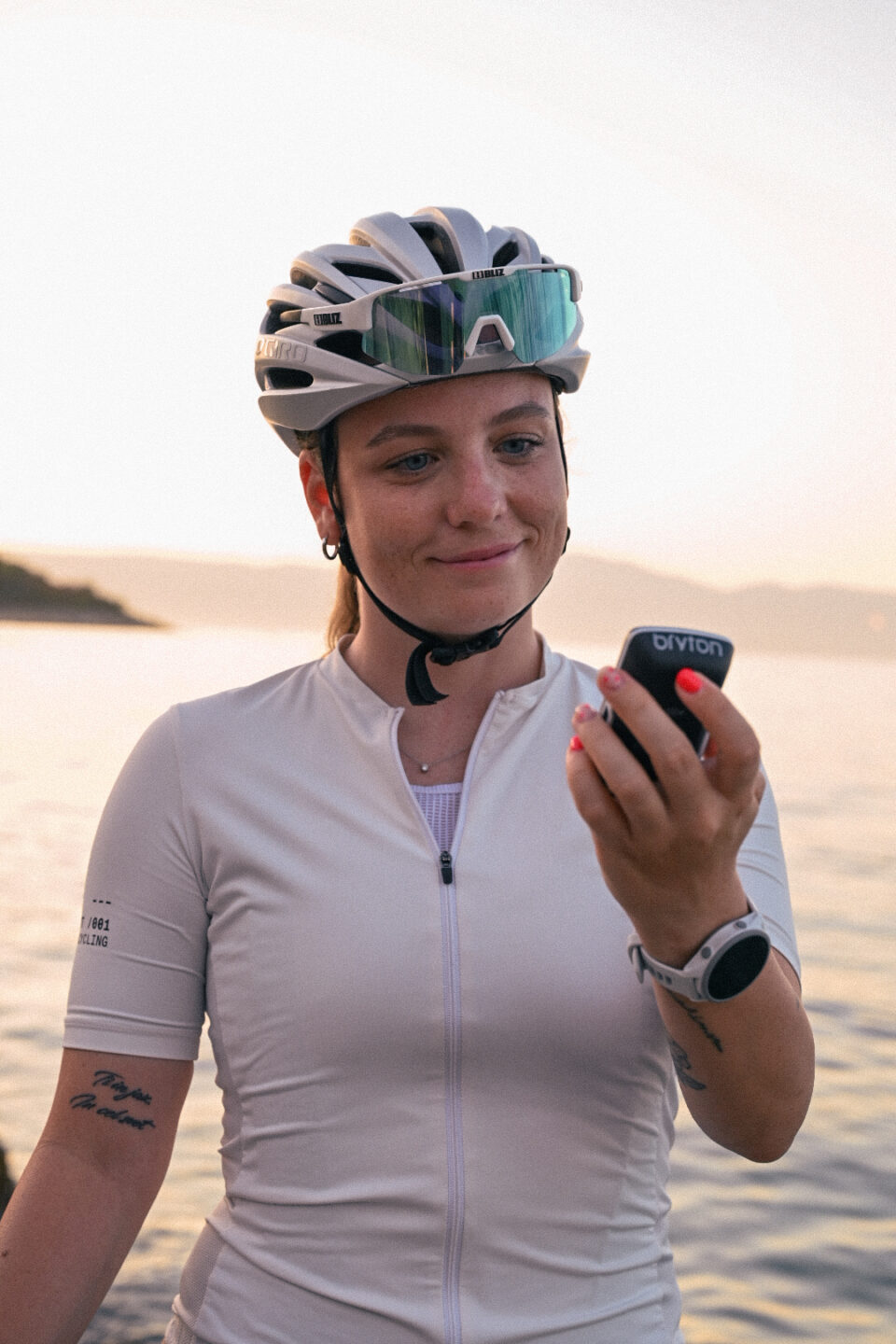
1. Bryton Rider 750 SE: The Reliable Everyday Companion
The Bryton Rider 750 SE is designed for cyclists who want full navigation capabilities, essential training metrics, and solid battery life.
Key Features & Strengths:
- 2.8-Inch Color Touchscreen: A compact yet vivid screen that fits nicely on any handlebar setup.
- 40-Hour Battery Life: Incredible endurance for multi-day bikepacking, long weekend rides, or simply charging less often.
- On-Device Rerouting: Missed a turn? It re-calculates your route right on the device without needing a cellular connection.
- Climb Challenge: Gives you real-time visual profiles of upcoming climbs, including gradient changes, distance remaining, and elevation gain.
- Online Voice Search: Effortlessly search for locations using your voice when connected to the app.
2. Bryton Rider 550: Built for Simplicity and Reliability
The Bryton Rider 550 is Bryton’s answer for riders who prefer tactile control, lightweight design, and straightforward, dependable performance on every ride.
Key Features & Strengths:
- 2.8-Inch Vibrant Color Screen: Features a graphical color display that is clear and easily readable under any light conditions.
- Physical Button Navigation: No touchscreen here, full control via tactile buttons, making it incredibly easy to use with thick winter gloves or in wet, rainy weather.
- Up to 37 Hours Battery Life: Plenty of battery to cover long training weeks or ultra-endurance rides.
- Intersection Snapshot & Navigation: Displays clear graphical intersection visual cues so you never miss a junction on a planned route.
- Lightweight & Compact: Weighing in at just 86 grams, it keeps your cockpit ultra-light.
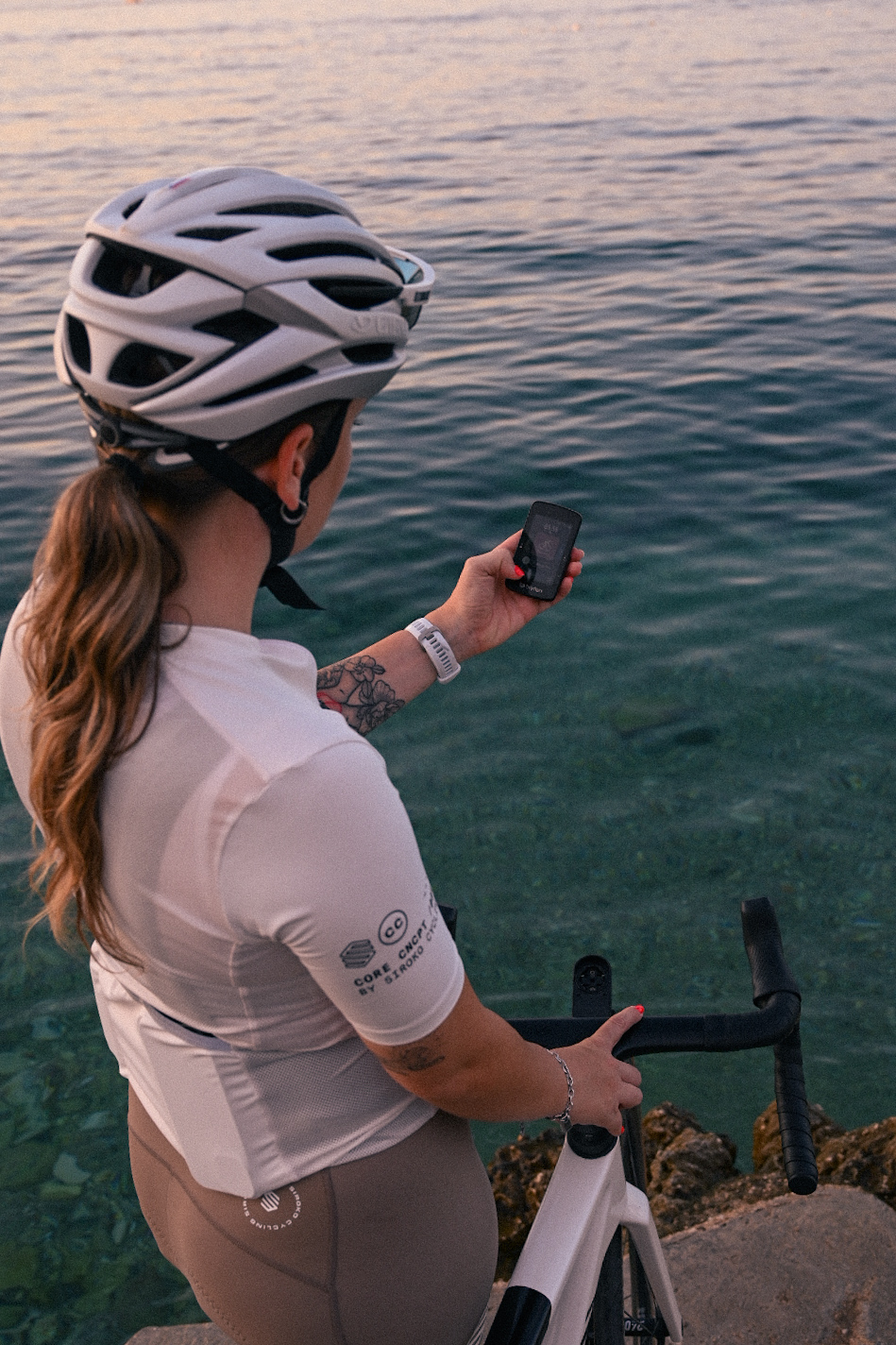
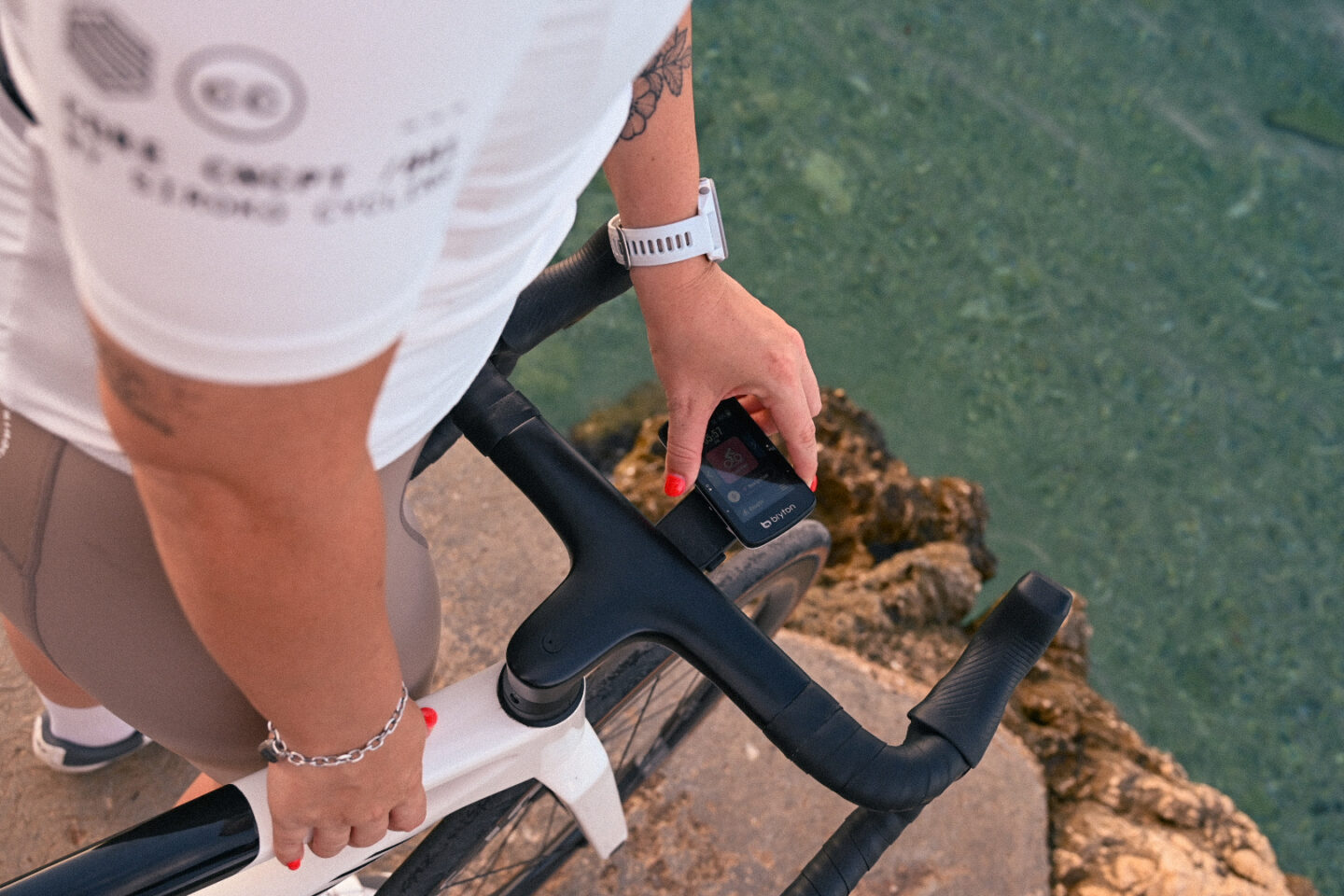
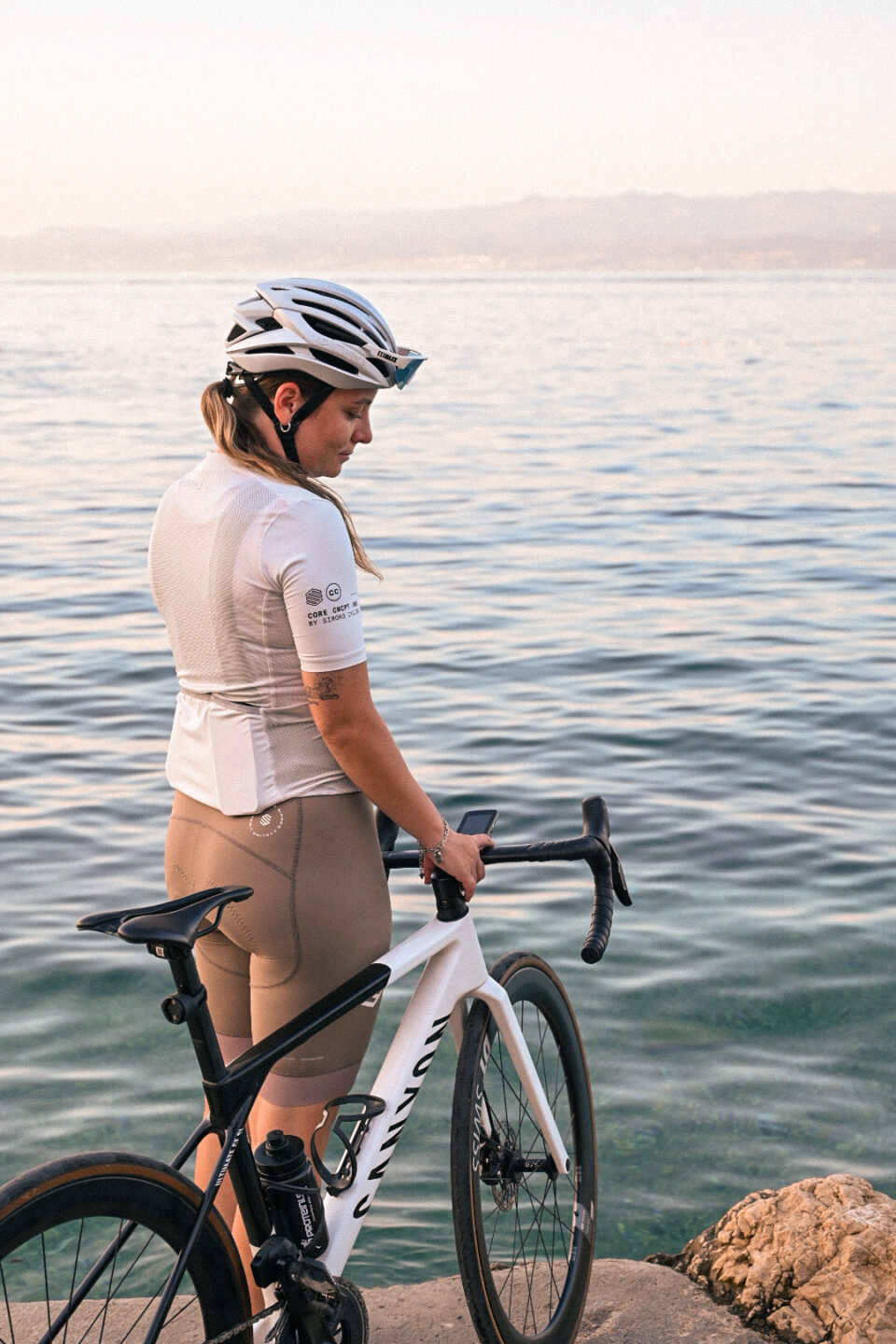
Head to Head Comparison: Rider 750 SE vs. Rider 550
| Feature | Bryton Rider 750 SE | Bryton Rider 550 |
| Display Type | 2.8″ Color Touchscreen | 2.8″ Color Screen (Button Control) |
| Weight | 93g | 86g |
| Battery Life | Up to 40 Hours | Up to 37 Hours |
| Max Data Fields | Up to 12 Fields | Up to 10 Fields |
| Climb Feature | Climb Challenge | Climb Challenge |
| Navigation | On-device offline rerouting | Turn-by-turn + Intersection Snapshot |
| Target Cyclist | Tech-savvy cyclists who want a touchscreen | Cyclists preferring tactile buttons & lightweight setup |
Why I Use the Bryton Rider 750 SE?
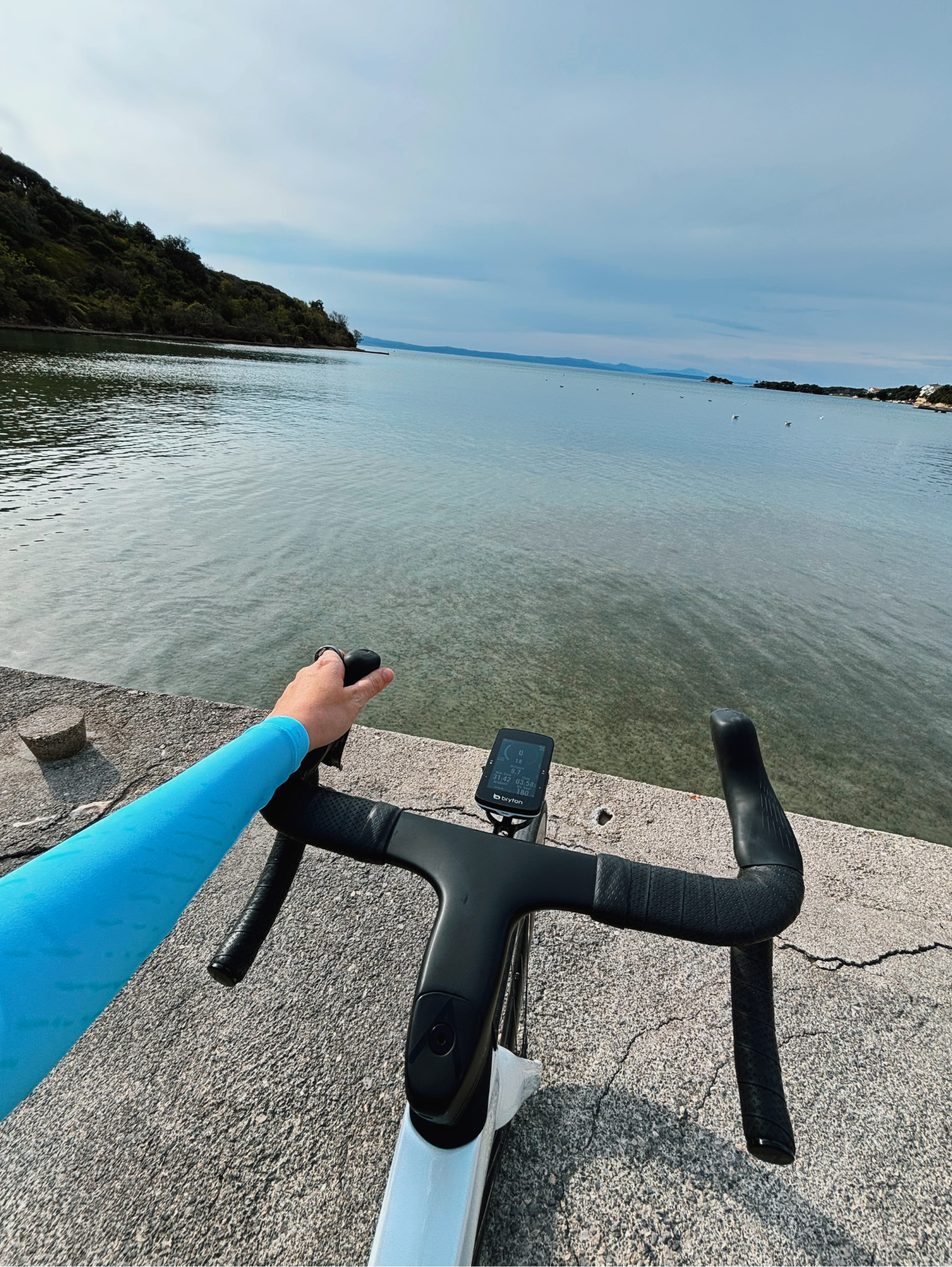
While the Rider 550 is a great option, especially if you prefer real buttons over a touchscreen, I’ve been cycling with the Bryton Rider 750 SE mostly, and I really love it.
Here is why it works so well for me:
1. The Climb Feature
If you’ve ever cycled up big mountain passes, like the ones in the Dolomites, you know how tough and steep those climbs can be. Having the climb feature right in front of me was super helpful. Being able to see the live color-coded elevation profile, total elevation gain, and remaining distance for each climb was super helpful for me!! The screen splits the ascent into distinct segments by gradient severity, so I could easily monitor gradient changes in real time. It made it easy to keep my rhythm, prepare for sudden steep sections around the turn, and know when the road goes flat enough to catch a breather
2. Easy to Read in the Sun (Even with Contact Lenses)
I wear contact lenses when I am on the bike, so being able to read my screen easily is really important to me. Bright sunlight and glare can make small numbers hard to see. The 2.8-inch screen on the 750 SE is just the right size. The colors and contrast are bright and clear, so I can check my speed or route without any extra effort.
3. Long Battery Life
The battery life on this unit is amazing. Amazing!
With up to 40 hours of run time, I don’t have to worry about constantly recharging it after every single ride, which is a lifesaver for me, since I often forget to charge my devices before heading out.
Extra Layer of Safety: The Bryton Gardia R300L Radar Light
To round out my cockpit setup, I’ve paired my computer with the Bryton Gardia R300L Rearview Radar. If you ride on open roads shared with cars, this device is one of the best safety investments you can make.
How It Works:
- Approaching Vehicle Detection: The Gardia R300L detects cars or motors coming up behind you from up to 190 meters away.
- Visual & Audio Cues on Your Screen: It connects directly via ANT+ to the Rider 750 SE (or Rider 550). As a car approaches, a color-coded bar appears along the edge of your screen, shifting from Yellow (Caution) to Red (High Threat), accompanied by a quick audio beep. Once the car passes, it switches back to a reassuring Green status.
- Smart Rear Lighting: The light automatically adjusts its flashing pattern when a vehicle approaches to draw the driver’s attention. It also features a built-in brake sensor that brightens up when you slow down or stop suddenly.
- Multiple Modes for Any Ride: Offers daytime flash, night flash, solid light options, and a group ride mode so you don’t blind the riders behind you.
Final Thoughts
- Choose the Bryton Rider 550 if you prefer classic physical buttons, a super reliable setup, and a lightweight feel.
- Go for the Bryton Rider 750 SE if you want the added convenience of a full color touchscreen, on-device offline rerouting, and a slightly longer 40-hour battery life.
Whichever computer you choose, adding the Gardia radar light is one of the best upgrades you can make for staying safe and feeling much more relaxed on the road.
What cycling computer are you currently using? Let me know in the comments below, and happy riding!
Great review! Thank you.
Thanks!Hope it helps. 🙂